¶ Journal
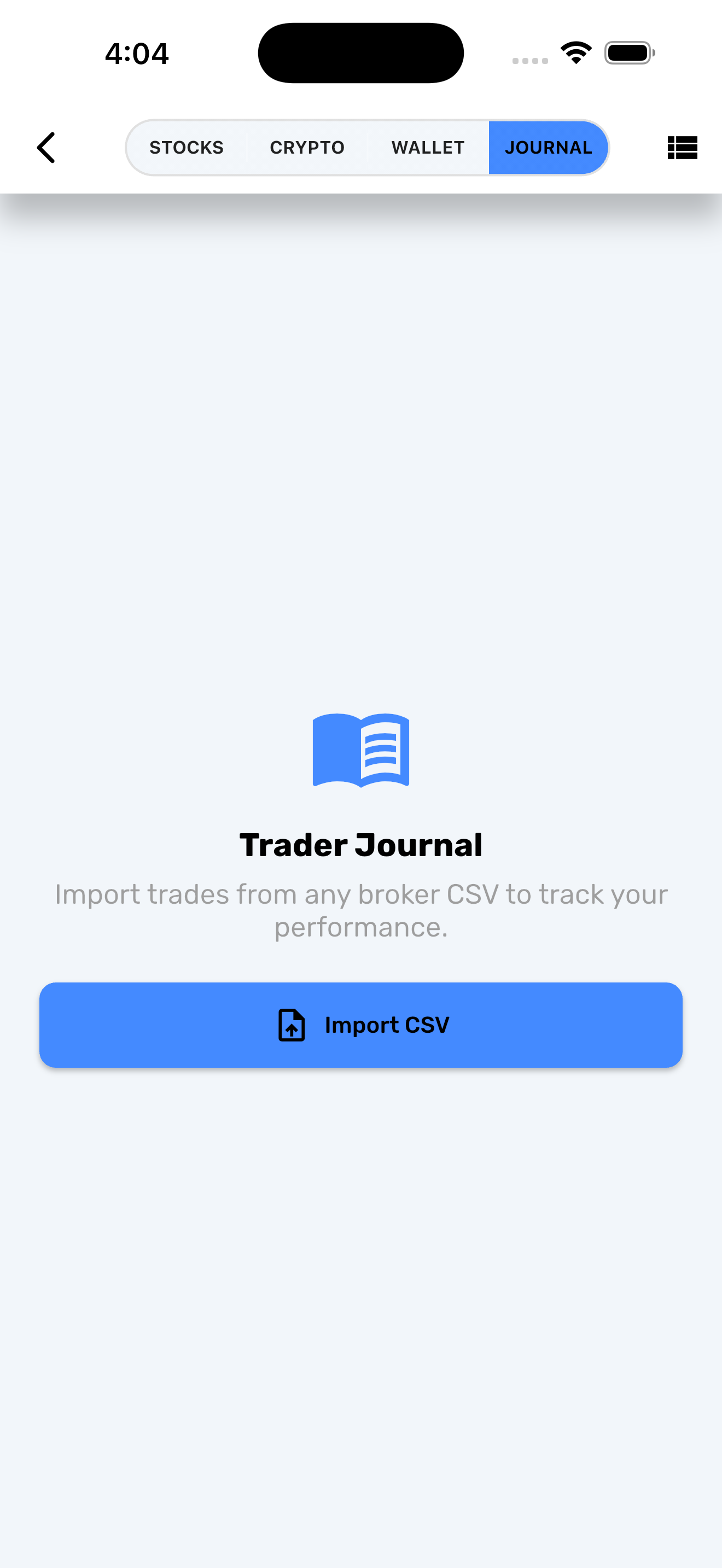
The Journal module lets you import trades from any broker — even those without direct API integration — by uploading CSV or Excel files. It tracks your trades, positions, and P&L in one place alongside your connected accounts.
¶ Creating a Journal Account
- Go to Accounts and tap Add Account.
- Select Journal from the account type list.
- Follow the 4-step setup wizard:
¶ Step 1 — Select Broker
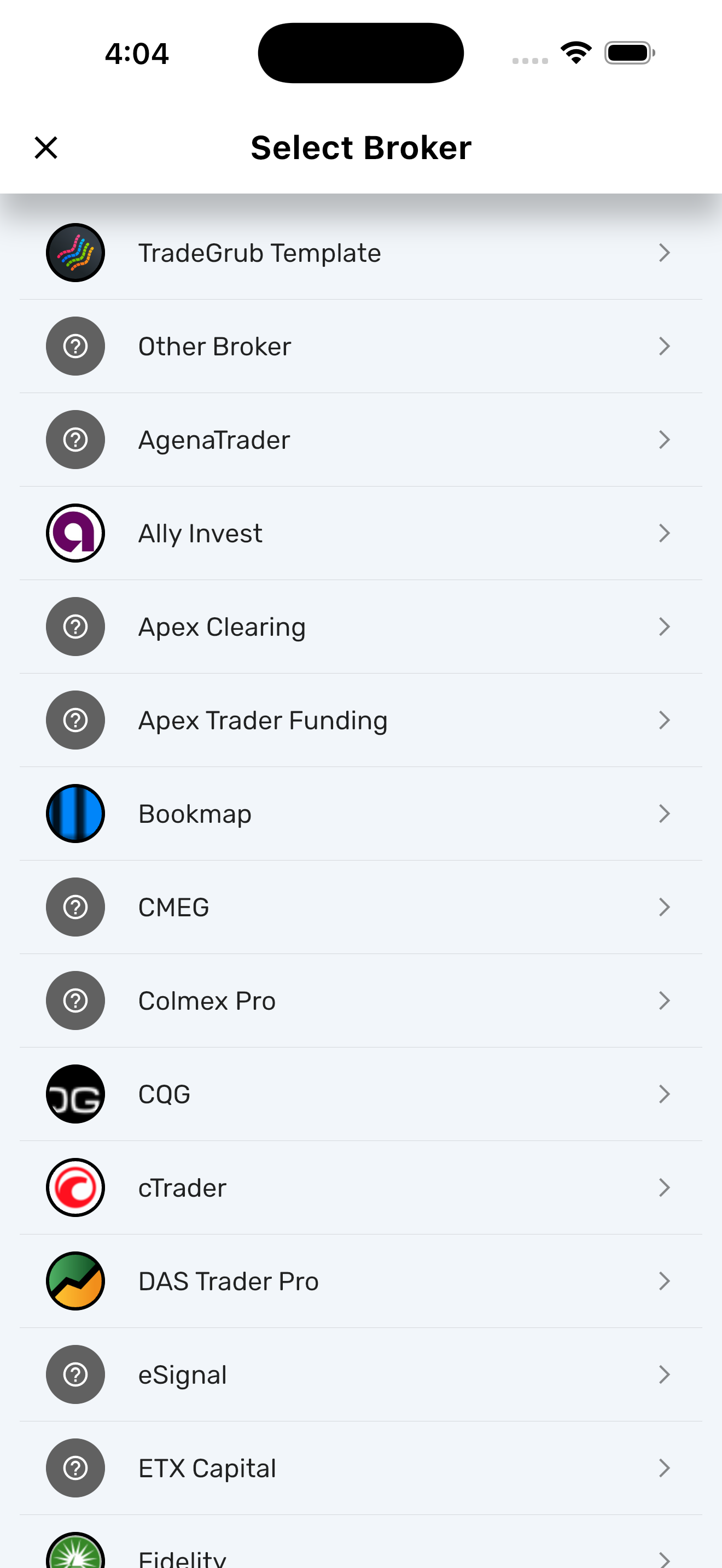
Choose your broker from the catalog (50+ templates available) or select Other Broker for a custom setup.
¶ Step 2 — Upload Files
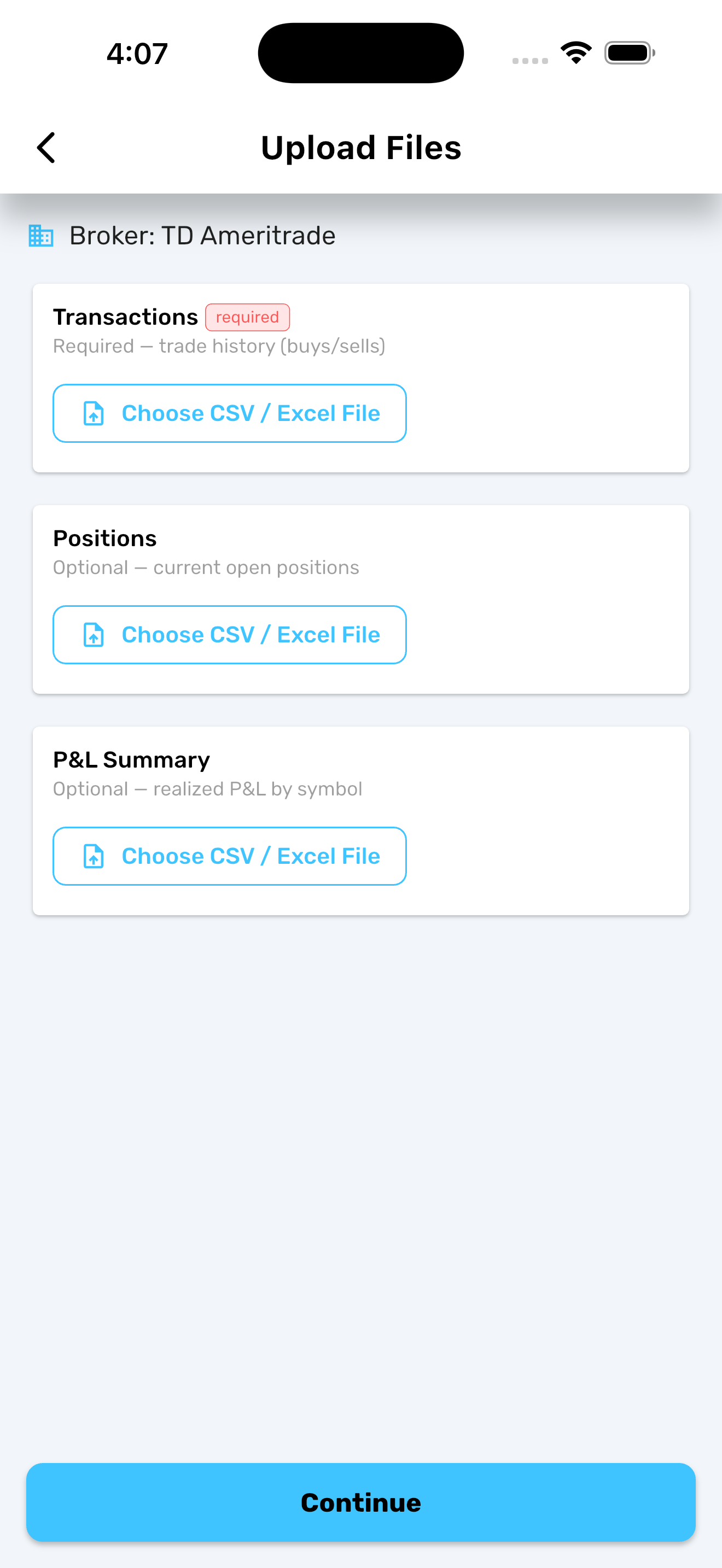
Upload your CSV or Excel (.xlsx) files. Three file types are supported:
| File | Required | What It Contains |
|---|---|---|
| Trades | Yes | Date, Symbol, Action, Quantity, Price |
| Positions | No | Symbol, Quantity, Average Cost |
| P&L | No | Symbol, Realized P&L |
¶ Step 3 — Map Columns
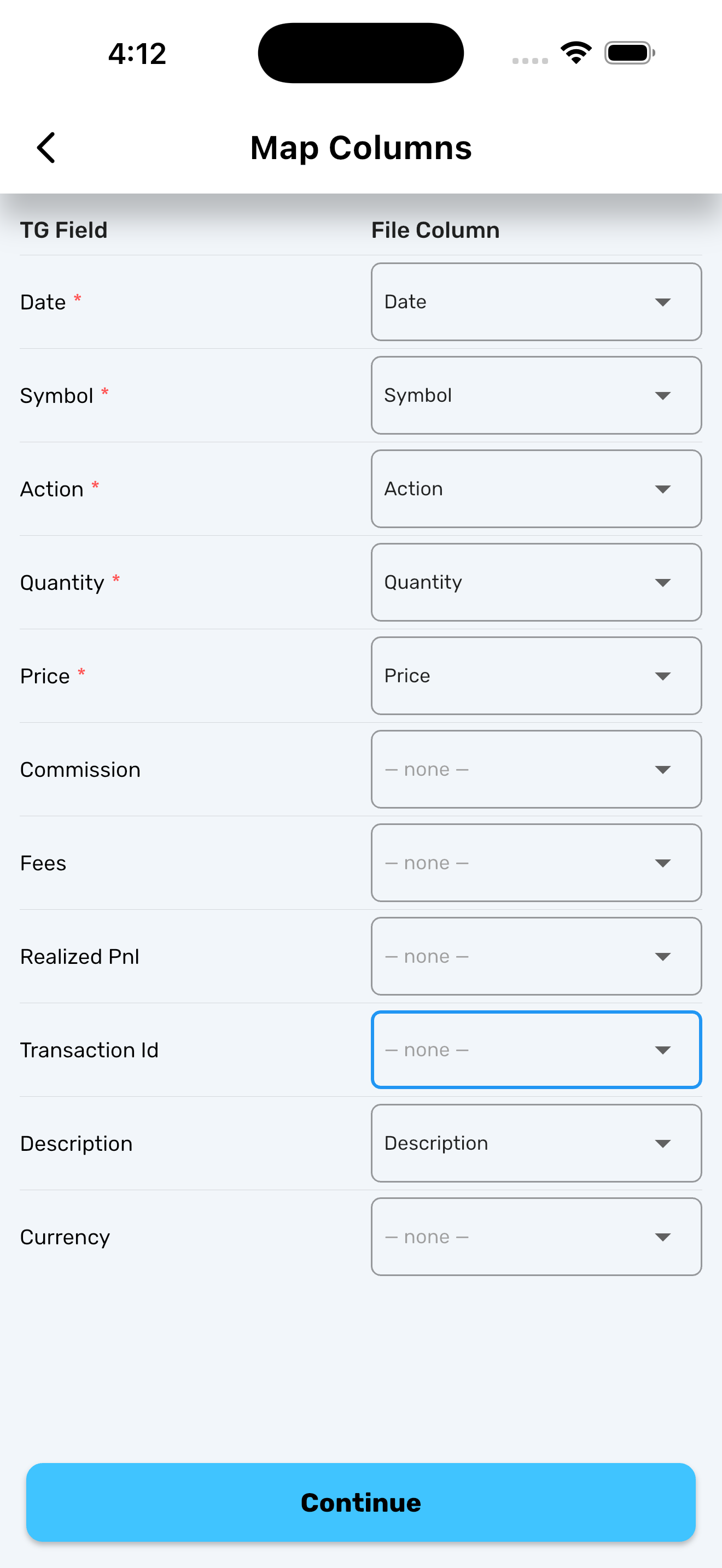
Map your file's column headers to TradeGrub fields. If you selected a known broker, columns are auto-mapped. Adjust any mismatches manually. Mappings are saved per broker for future uploads.
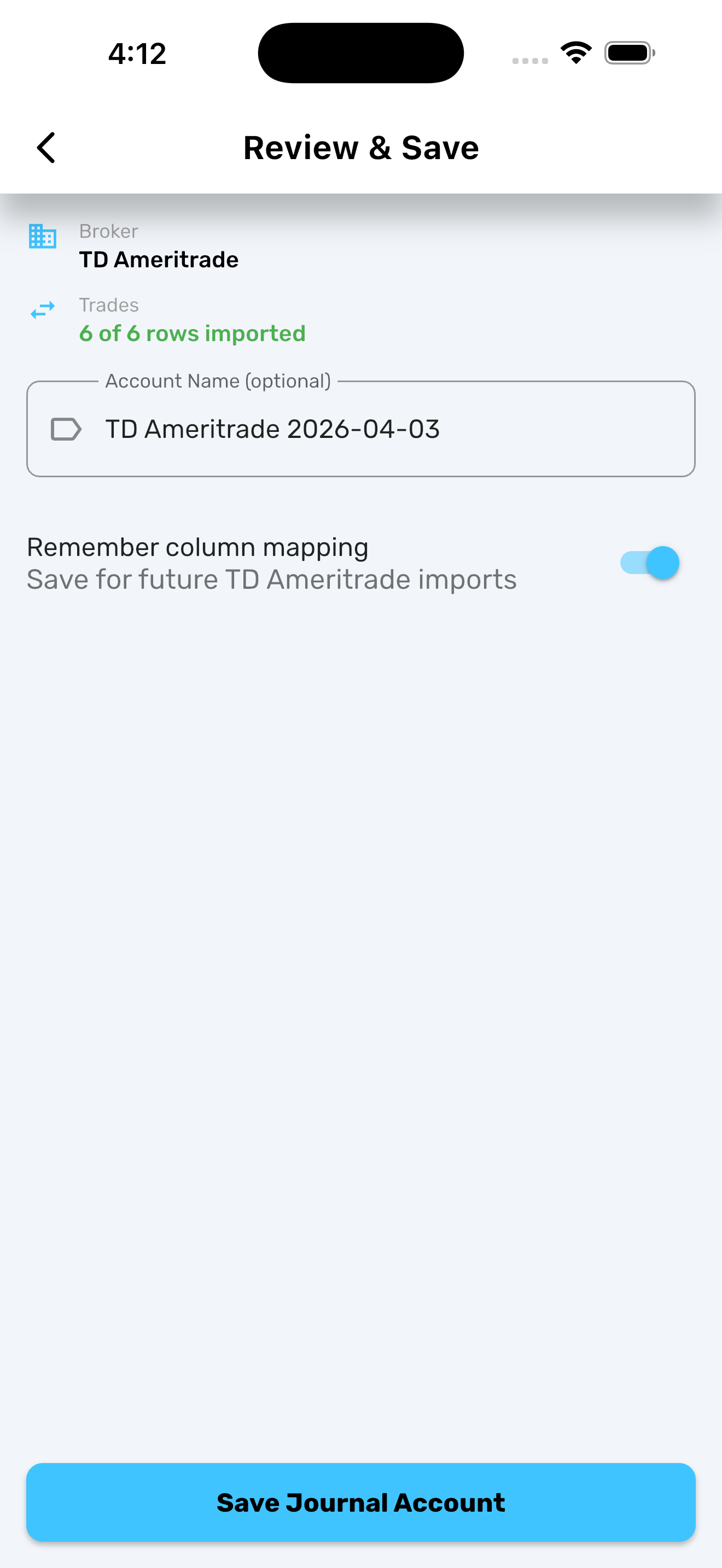
¶ Step 4 — Review & Save
Review the parsed data, name your account, and tap Save.
¶ Importing Data
¶ Supported Formats
- CSV (
.csv) - Excel (
.xlsx)
¶ Import to a New Account
Follow the account creation steps above. Your uploaded files become the initial data for the account.
¶ Import to an Existing Account
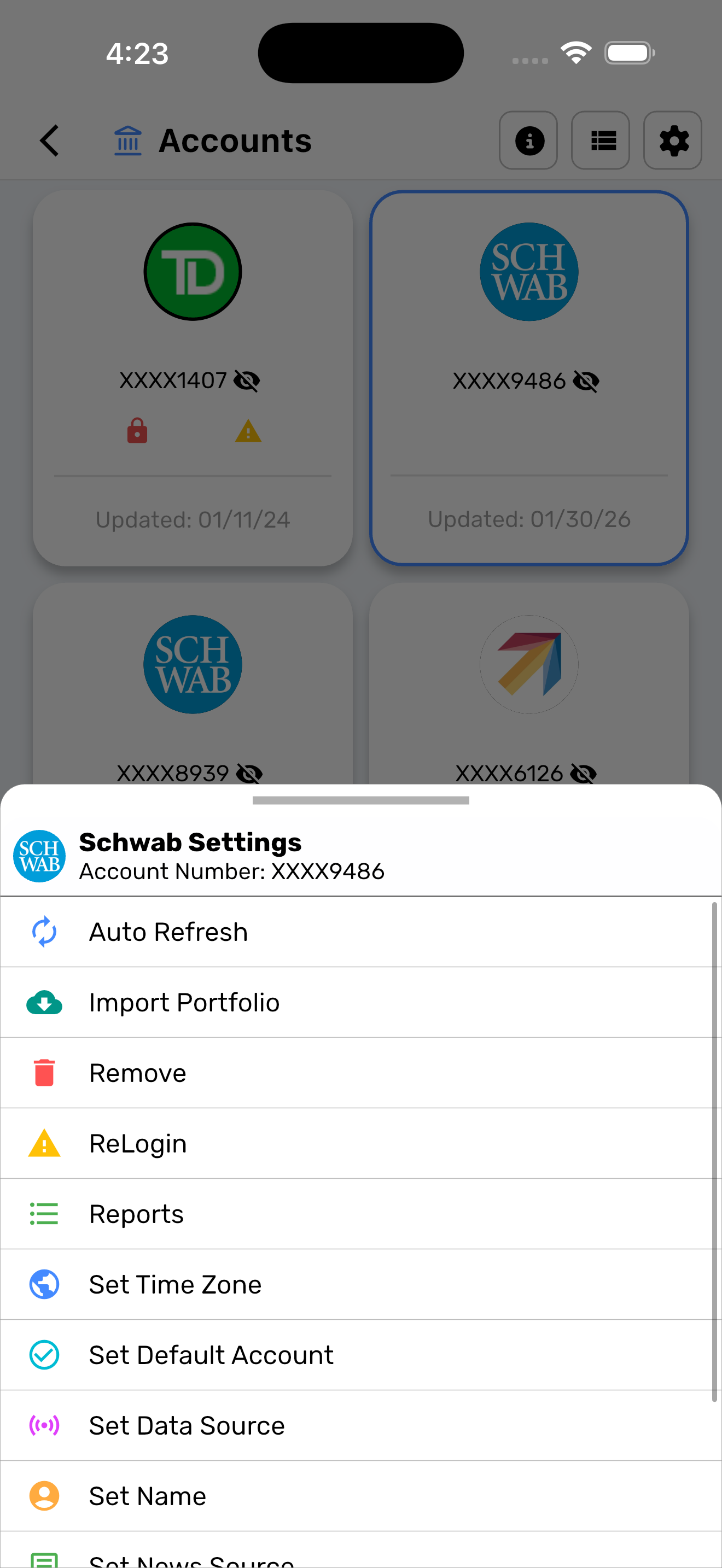
- Go to Accounts and open the settings for your journal account (or any supported broker account).
- Select Import Portfolio.
- Upload your file and map columns.
- New data is appended. Duplicate trades are automatically skipped.
¶ Trade Fields
| Field | Required | Example |
|---|---|---|
| Date | Yes | 2024-01-15 |
| Symbol | Yes | AAPL |
| Action | Yes | BUY, SELL, SHORT, COVER, DIVIDEND |
| Quantity | Yes | 100 |
| Price | Yes | 150.25 |
| Commission | No | 0.65 |
| Fees | No | 0.02 |
| Realized P&L | No | 250.00 |
| Description | No | Limit order fill |
¶ Position Fields
| Field | Required | Example |
|---|---|---|
| Symbol | Yes | AAPL |
| Quantity | Yes | 100 |
| Average Cost | Yes | 150.25 |
| Market Value | No | 17500.00 |
| Unrealized P&L | No | 2475.00 |
¶ P&L Fields
| Field | Required | Example |
|---|---|---|
| Symbol | Yes | AAPL |
| Realized P&L | Yes | 1250.00 |
| Realized P&L % | No | 8.5 |
| Trade Count | No | 12 |
| Quantity | No | 500 |
| Buy Value | No | 75000.00 |
| Sell Value | No | 76250.00 |
| Period Start | No | 2024-01-01 |
| Period End | No | 2024-03-31 |
¶ After Import
Once imported, your journal data integrates with the rest of TradeGrub:
- Positions, Transactions, and Gains appear in your portfolio widgets and dashboards.
- Switch to your journal account using the account selector dropdown.
- Access Reports from account settings to export your data as CSV or PDF.